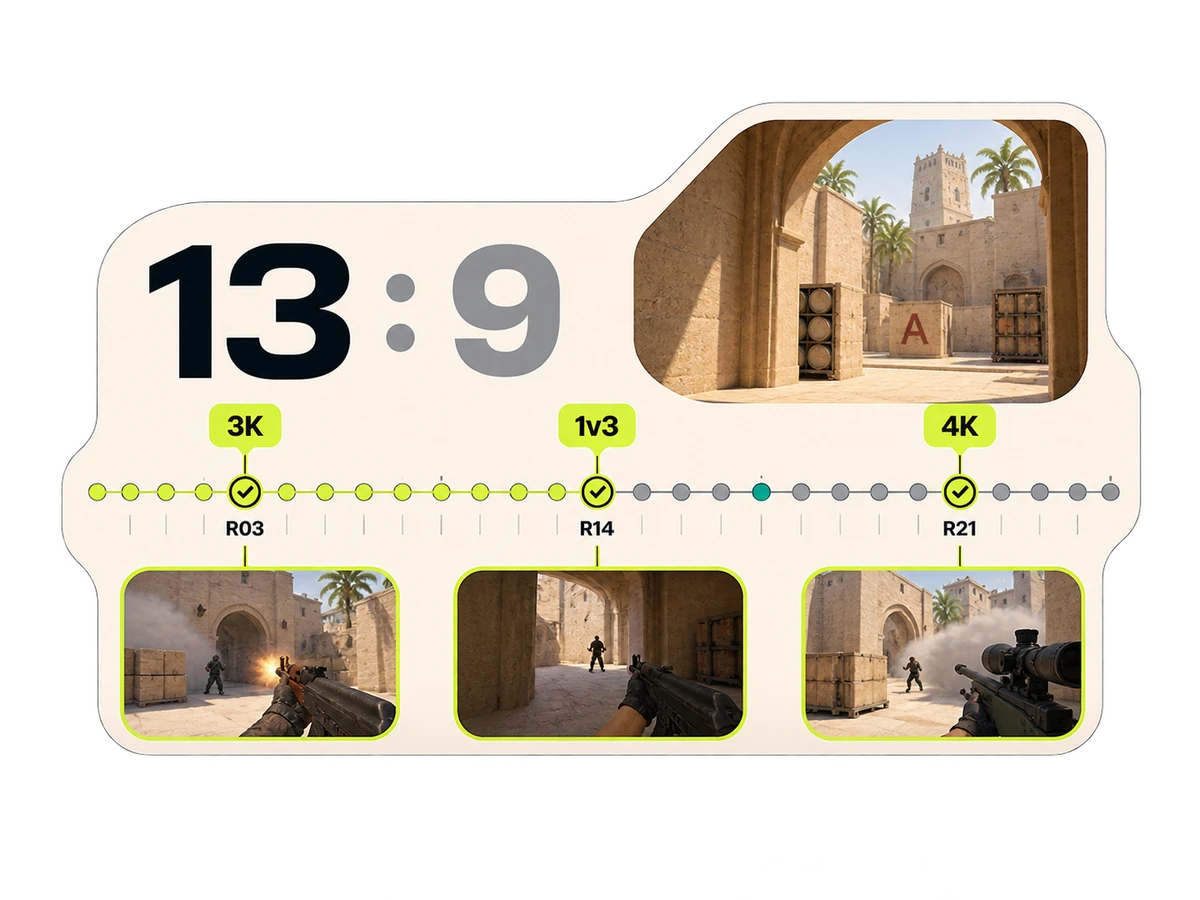
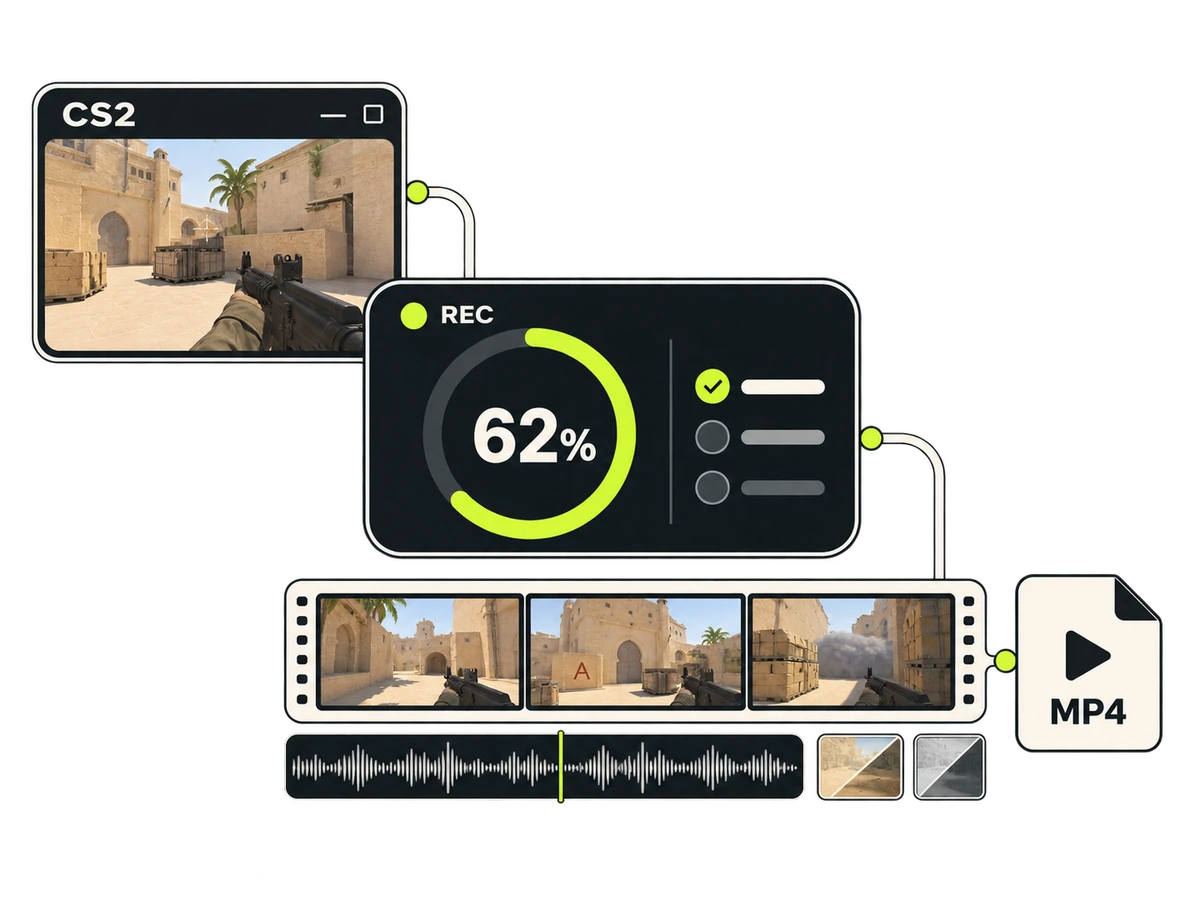
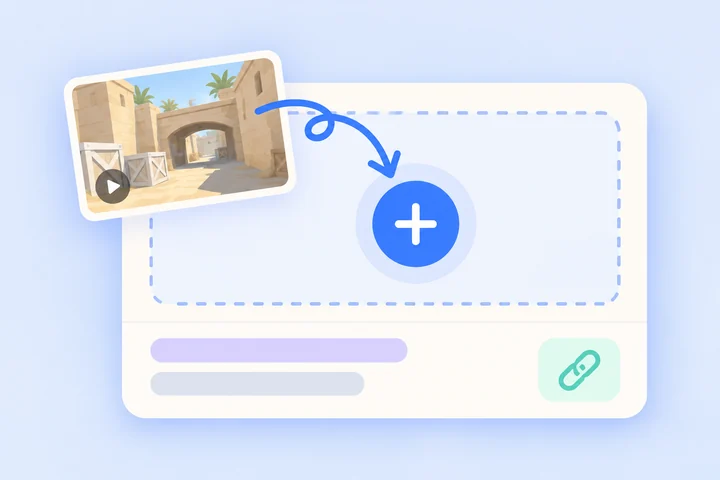
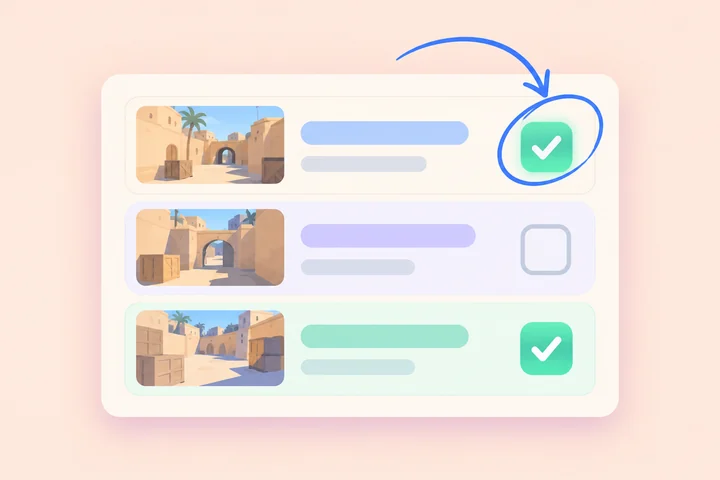
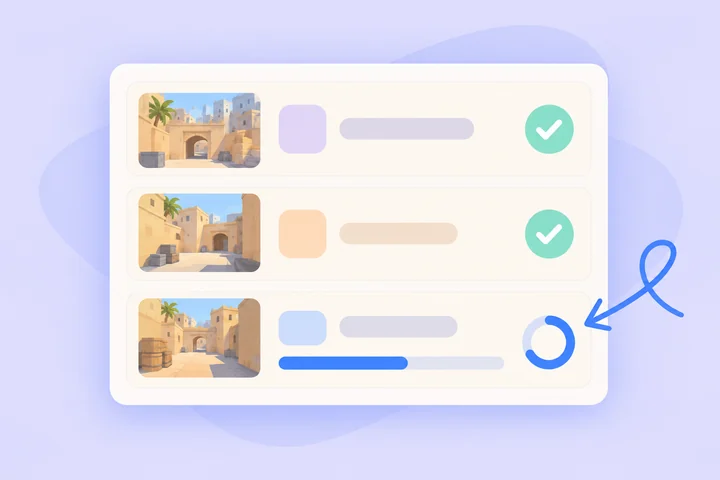
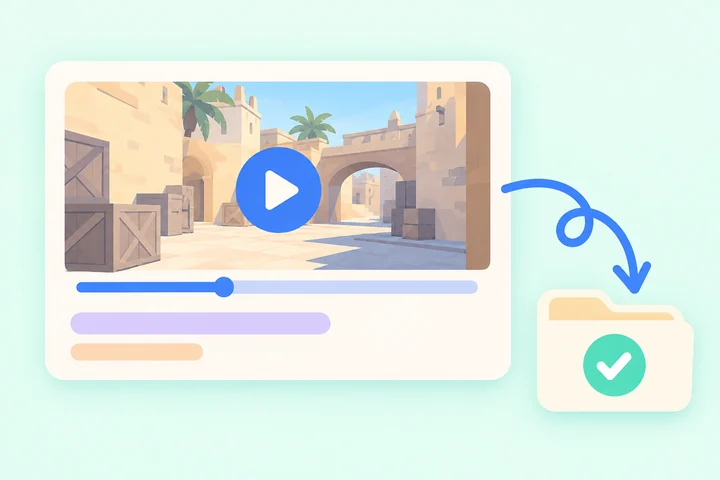
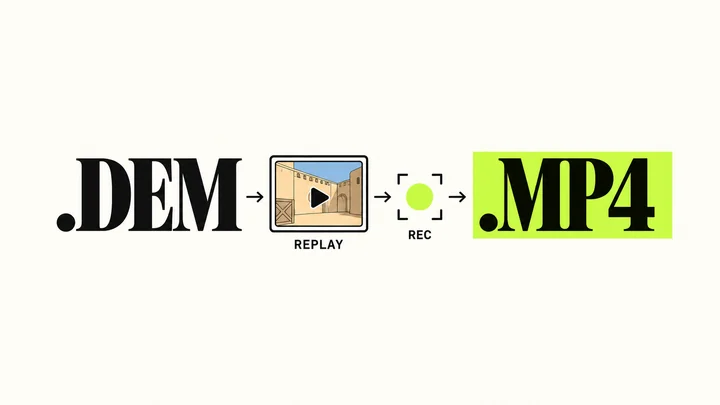
No need to record during the match. Pick the multikills, clutches, and headshots from your demo. CSTV records and edits them into an MP4 on your PC, even with CS2 minimized.
Keep CS2 minimizedNo need to watch the game window
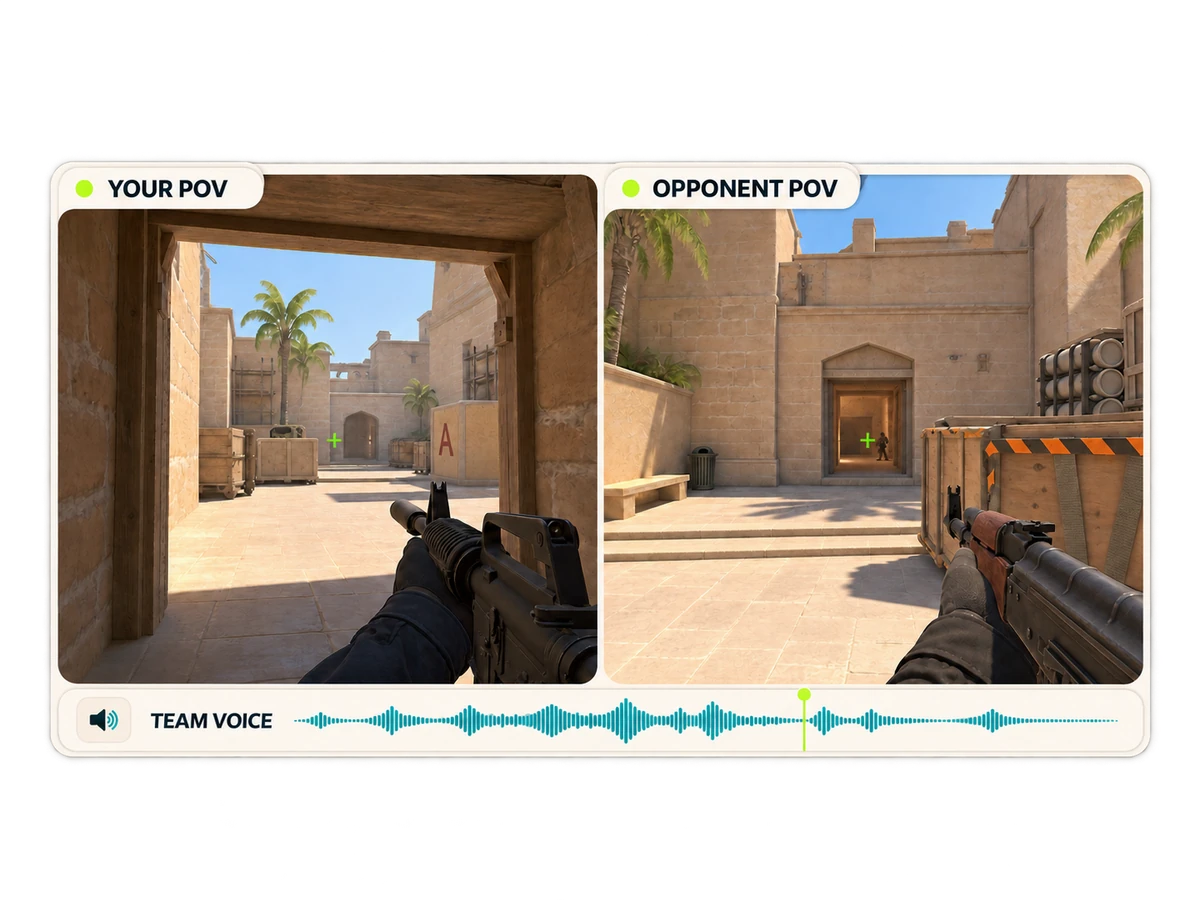
Both POVs and team voicesSee the fight and hear the comms
Automatic Perfect World importsConnect your account to get ready replays
CS2 and a playable match demo are required. Processing speed and available export settings depend on your PC and plan.
04
Choose your plan
Start with 3 free videos. Upgrade for unlimited videos during your plan, more music and filters, or both POVs. Creator adds optional watermark-free exports. Prices are in CNY.
Can I make CS2 highlights without recording during the match?
Yes, if you have a playable match demo. Import it into CSTV and record selected moments using CS2 on your Windows PC.
Can I use demos from Perfect World or 5E?
Connect your Perfect World account to fetch ready replays automatically, with pause and resume. For 5E and other sources, connect a supported local folder or import a downloaded demo. Replay availability depends on the provider.
Can I minimize CS2 while it records?
Yes. CSTV records the demo through CS2 on your PC, so the game window can stay minimized while the queue records and combines your clips. You can minimize CSTV too and play the video when it is ready.
Is CSTV free to try?
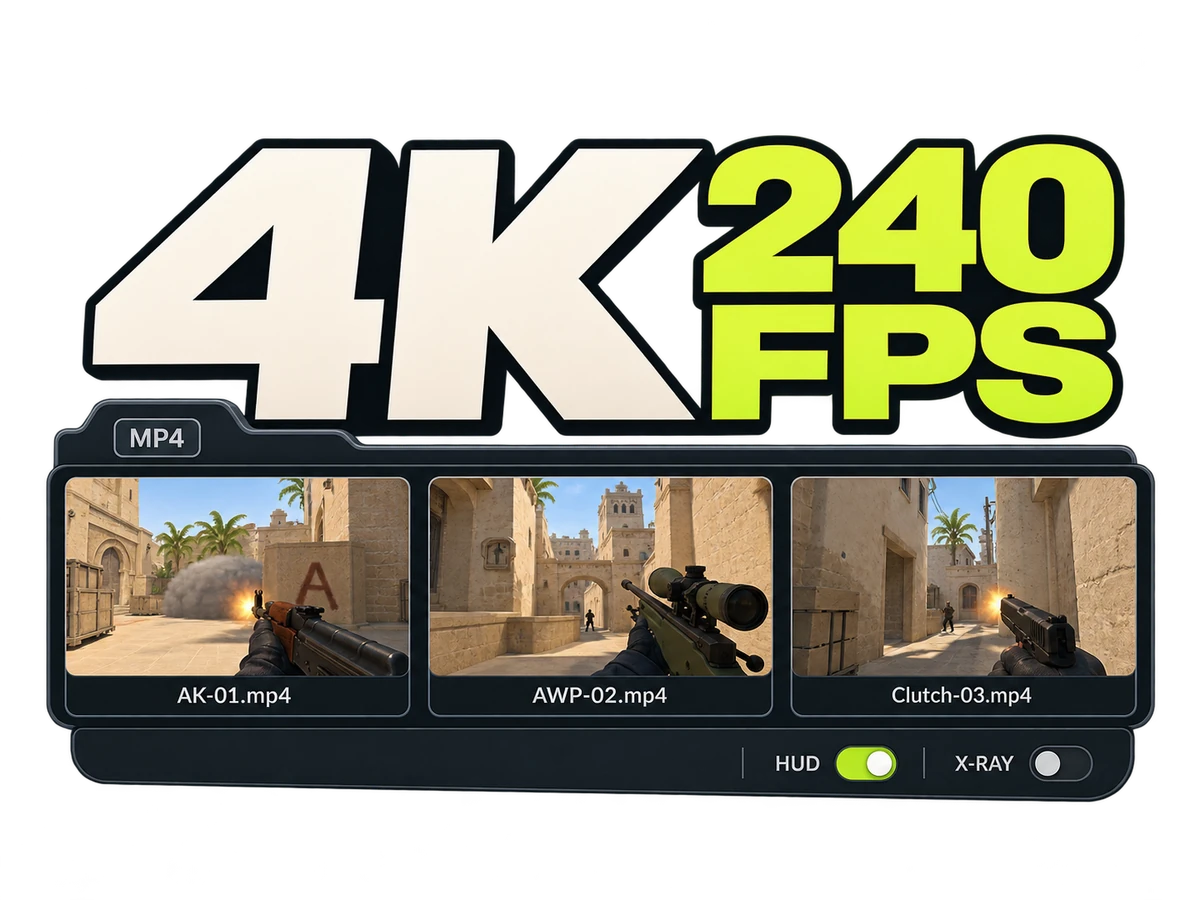
The free tier includes 3 videos at 720p and 30 fps, with your own kill POV and a CSTV watermark. Compare plans for higher quality, both POVs, and Creator's watermark-free exports.
Do I need to install CS2 to create a video?
Yes. CSTV records the demo through CS2 on your PC. Demo analysis and video creation run on your device; sign-in, plan checks, and updates need internet access.
Make your next match a highlight
Start with one match. Keep the moments that deserve another watch.