CSTV · Guides
How to watch CS2 demos, hide the timeline, and check voice audio
Open a CS2 replay with playdemo, toggle its controls with demoui, and understand POV changes, missing voice, and the difference between demos and videos.
Updated · CSTV
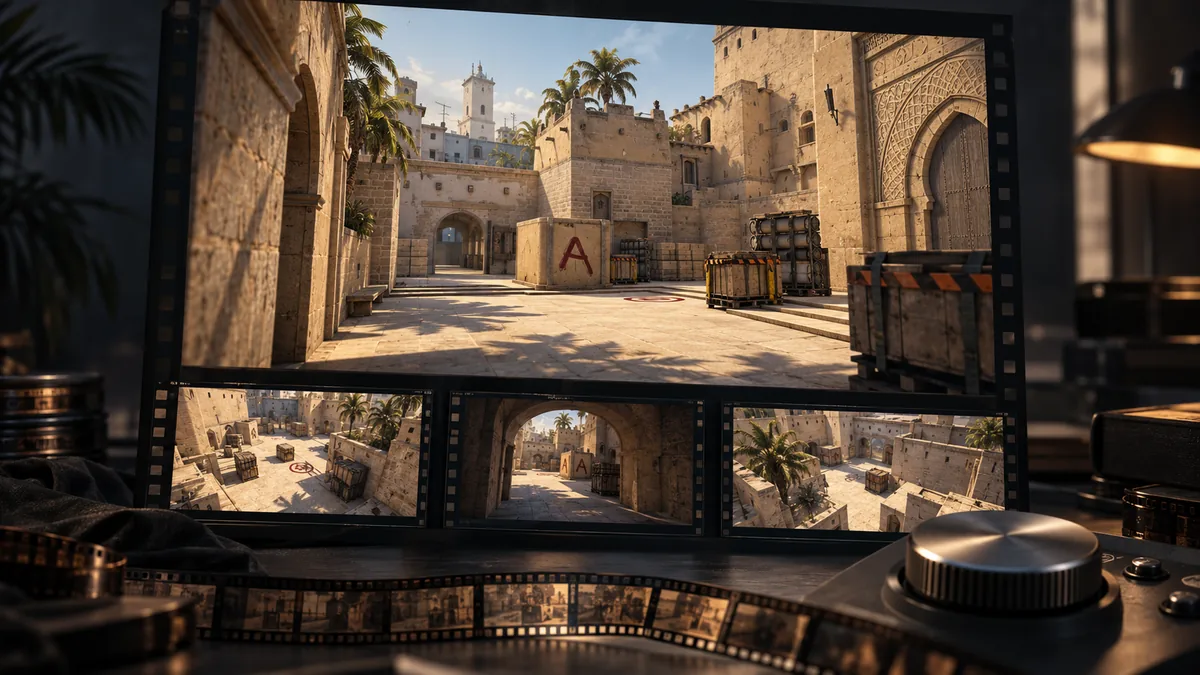
Open the downloaded demo in CS2
Confirm that the download is complete and extract the .dem file if it is archived. Do not rename an archive to .dem. Keep the full file path after downloading from your match provider.
Enable the developer console in CS2's game settings, open it, and use playdemo with the quoted file path. Replace the example below with your actual file. Forward slashes work for the Windows path, and quotes matter when it includes spaces.
playdemo "C:/Demos/match.dem"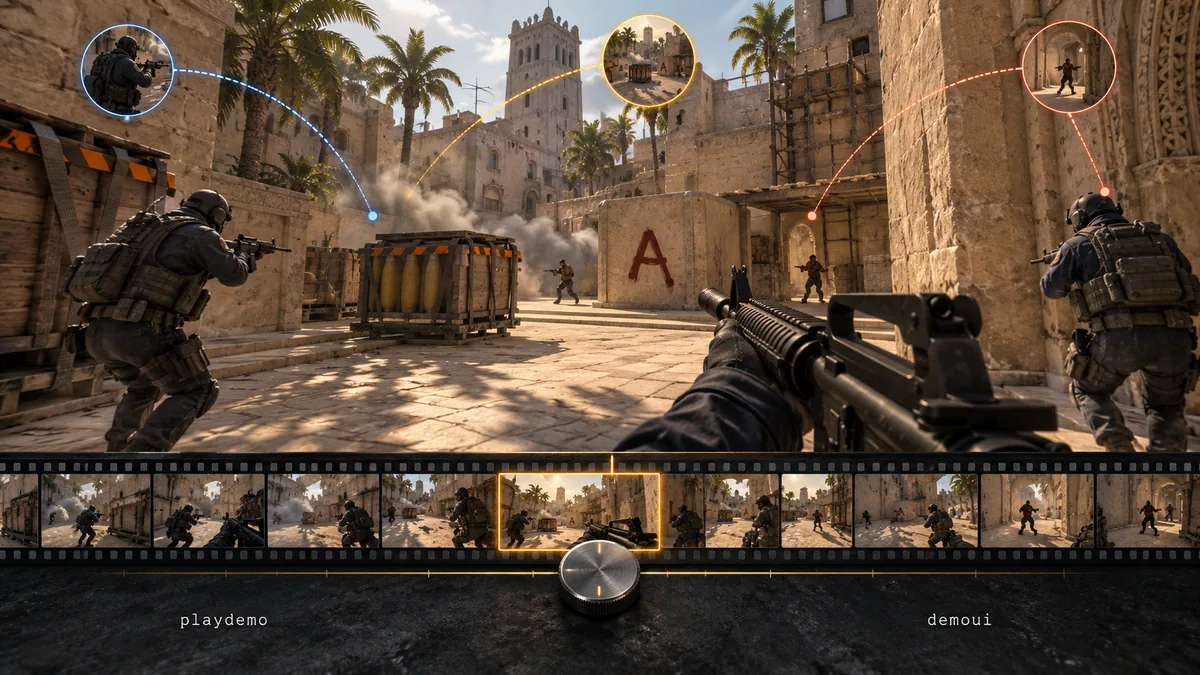
Show or hide replay controls
Use demoui to toggle the replay panel. Shift+F2 is also available with default bindings; check your settings if you changed them. Pause before picking a round or adjusting playback speed to inspect a fight.
The replay panel is separate from the crosshair, radar, kill feed, and other HUD elements. Check those separately before capturing footage. CSTV provides capture options for the HUD, kill feed, and X-ray.
demouiCheck player POV and voice in a short replay
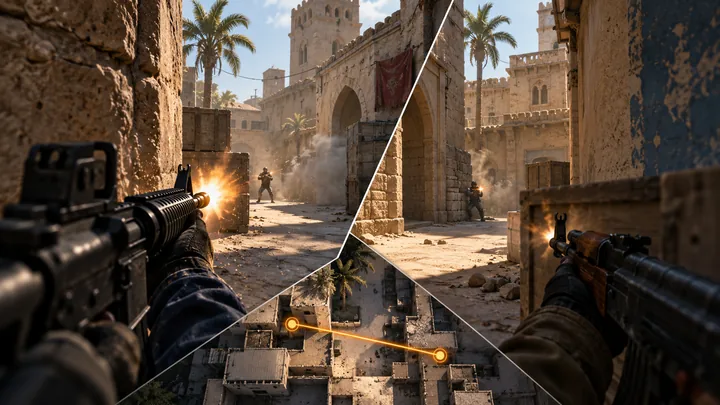
First-person and free-camera views answer different questions. Choose the player and round before checking sound; a free-camera shot is not what that player originally saw.
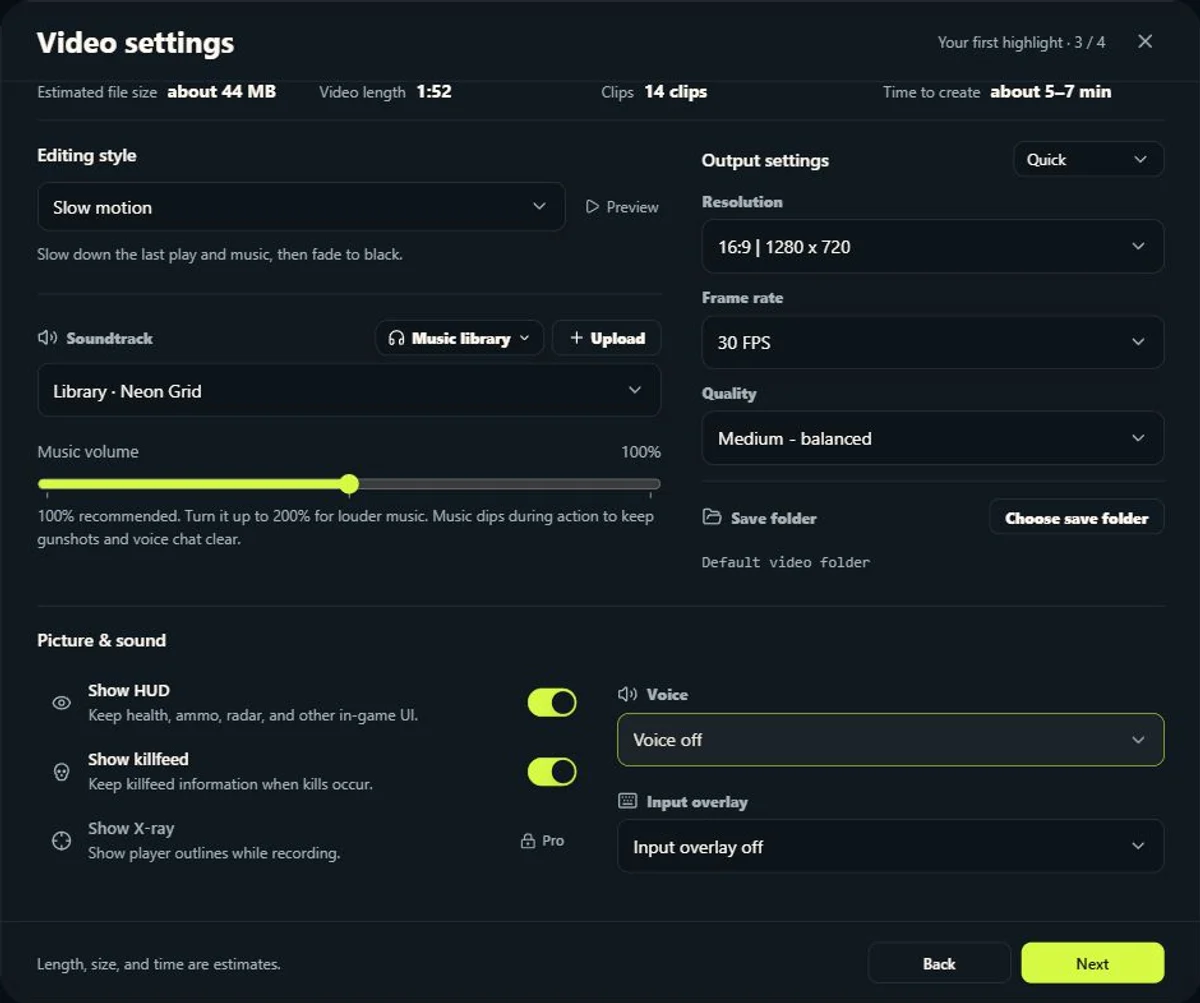
Listen for game effects first. If shots and footsteps work but voices do not, check the voice track rather than the entire audio system. In CSTV, open Settings → Video content and choose Team voice or Both teams. Both teams is a Pro option; unavailable source audio cannot be restored by a paid plan.
For a manual CS2 replay that contains voice data, these two demo-listening commands are the same mask controls used by CSTV's recording setup. They enable available voice slots; they do not recover missing voice data or external Discord calls. Use them after the replay has loaded, keep a note of your original values, and restore them afterward.
tv_listen_voice_indices -1
tv_listen_voice_indices_h -1| Situation | What to check | What it tells you |
|---|---|---|
| Perfect World or 5E demo | Load the same file and jump to a round where you remember talking. Check replay mute controls, then record a short test with voice enabled. | A provider's match page alone does not prove that this file contains both teams' voice. |
| Valve matchmaking demo | Check the file's available audio before promising a voice export. | Treat availability as a property of the actual demo, not a guarantee of every matchmaking replay. |
| Game sound but no talking | Compare voice-off, team-voice and available both-teams settings on the same moment. | This separates voice selection from missing game audio. |
| No sound anywhere | Check the media player's mute state, the Windows volume mixer, and a second player. | If only one player is silent, changing demo voice masks is not the right fix. |
Playback errors, old demos, and video exports
If playback fails, check the path, quotes, file completeness, and game compatibility. Updates can affect older demos, so keep the original file and record the source, match date, and current version when asking for help.
For review, you can watch inside the game. For sharing with a regular media player, capture the replay as a video. CSTV can analyze events, select moments, and record and assemble them through CS2 on your PC.
Common questions
How do I hide the CS2 demo timeline?
Toggle replay controls with demoui or try Shift+F2 with default bindings. The panel is separate from the HUD, radar, and kill feed.
Can a regular media player open a .dem file?
No. A compatible CS2 version must render it. Record the replay as an MP4 or another video format for regular playback and sharing.
Why can I not hear the other team's voice?
Check whether the demo contains that audio, then check replay volume and settings. Missing source audio cannot be recreated by the software.