CSTV · Guides
How to turn a CS2 demo into an MP4 video
A .dem file is not a video. Learn why CS2 replays need to be played and captured, then use CSTV to choose clips, record them, and export an MP4.
Updated · CSTV
Why a media player cannot open a demo
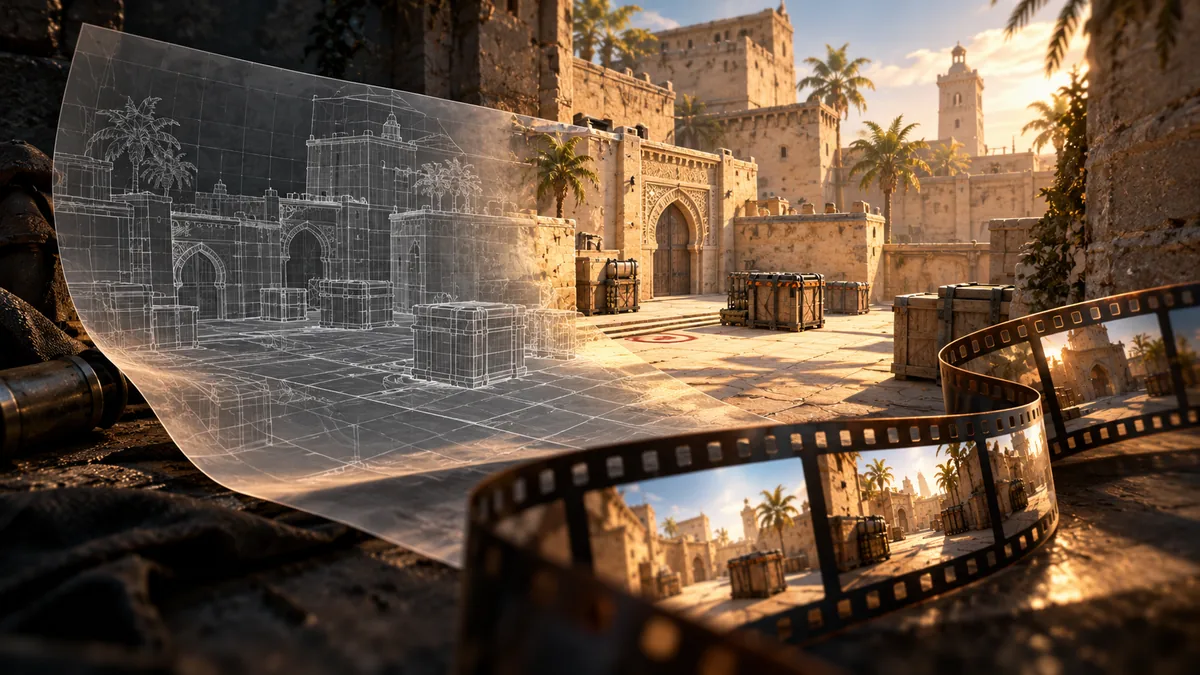
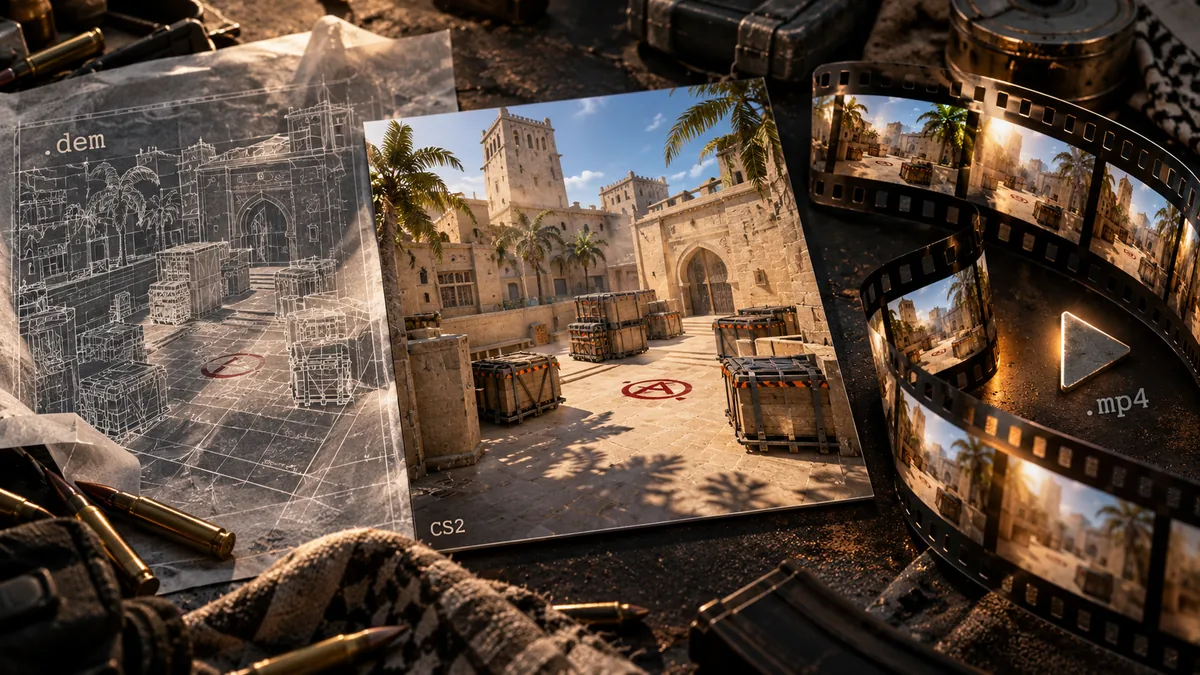
MP4 contains encoded picture and sound. A demo needs the game to read the replay data and draw the scene. Renaming .dem to .mp4 does not convert the contents.
A general video transcoder cannot render a CS2 match by itself. You need a playable demo, a working CS2 installation, and a functioning capture setup.
Record and export your clips
Choose whether you need the full match or just a selection of rounds. For a highlight reel, choosing events first makes the result easier to review.
- Import the demo and choose your player, rounds, and events after analysis.
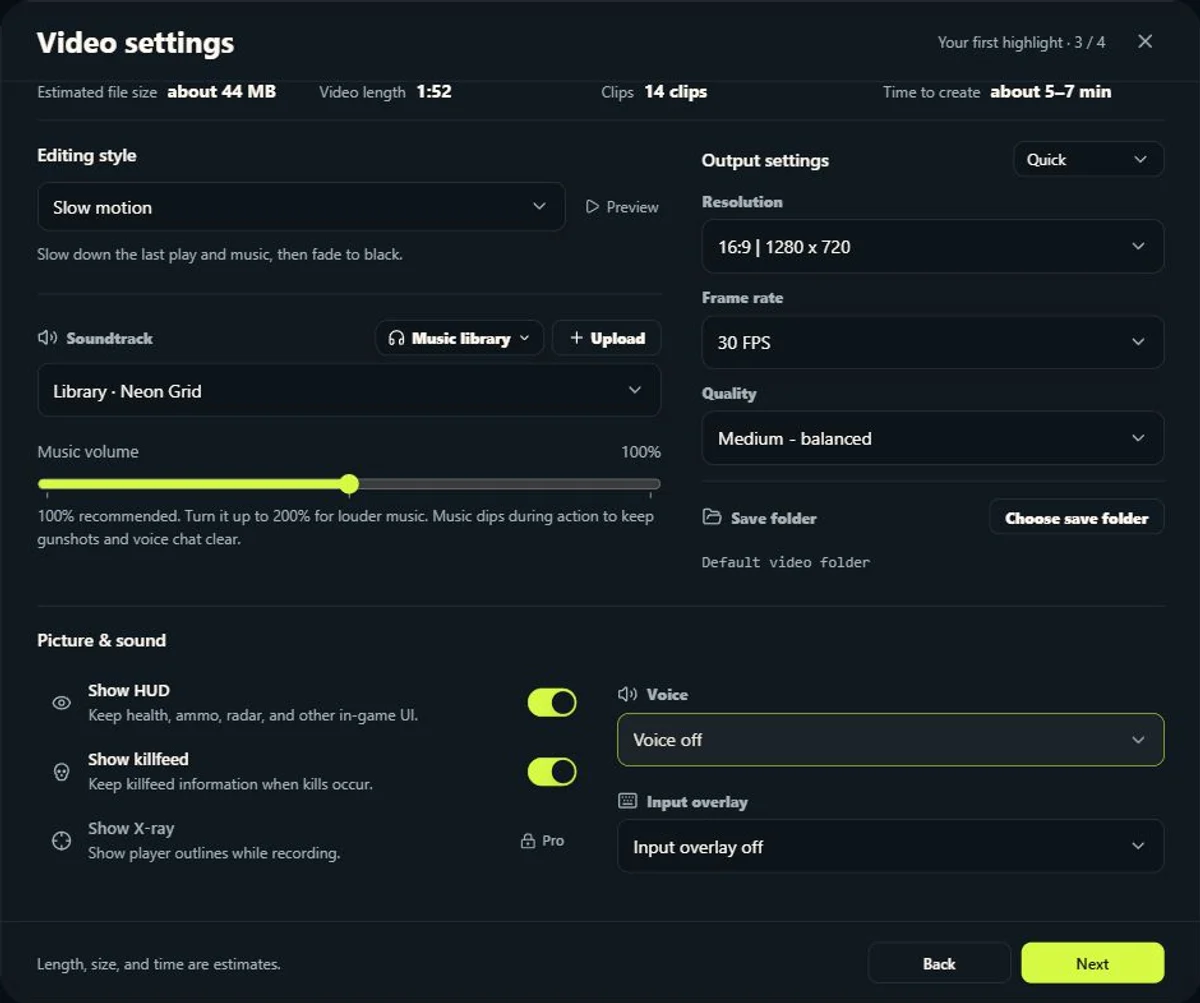
- Set video quality and choose the available HUD, kill feed, X-ray, voice, and input overlays.
- Record a short test and check its picture, sound, and clip boundaries.
- Queue more clips once the test works. CSTV records through CS2 and assembles the result.
- Open the exported MP4 and check the beginning, action, and ending.
Choose settings for your PC
Resolution and frame rate options depend on your plan and hardware. Higher settings use more recording and encoding resources and more disk space. Start lower when troubleshooting.
CSTV supports recording with CS2 minimized. Do not quit the game, force the process to stop, or change the capture environment during a task.
Keep the demo and the finished video
Check for visible picture, sound sync, black frames, and a complete ending before editing or sharing. The upload platform may recompress your MP4.
The plan determines watermark options. Keep both files: the MP4 is convenient to watch, while the original demo lets you select different moments and POVs later.
Common questions
Can I rename .dem to .mp4?
No. The match must be rendered through CS2, recorded, and encoded into a real video.
Do I need CS2 installed?
Yes. CSTV's capture workflow needs CS2 installed and working on your PC.
Should I keep the original demo?
Yes. Keep the MP4 for watching and the demo for selecting different clips or POVs later.