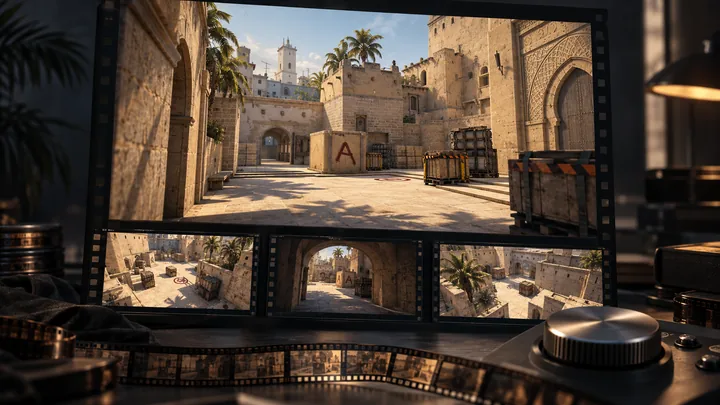
How to watch CS2 demos, hide the timeline, and check voice audio
Open a CS2 replay with playdemo, toggle its controls with demoui, and understand POV changes, missing voice, and the difference between demos and videos.
Read guide
CSTV · Guides
Download match demos, make highlight reels, export MP4 videos, review both POVs, and troubleshoot recordings. Start with the question you need answered.
Open a CS2 replay with playdemo, toggle its controls with demoui, and understand POV changes, missing voice, and the difference between demos and videos.
Read guide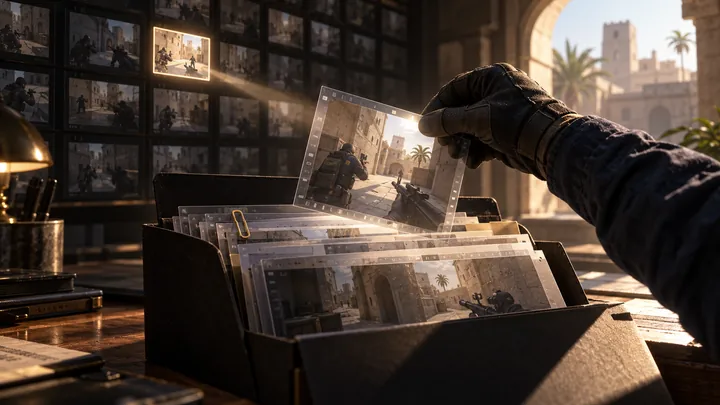
Find a CS2 demo through your match provider, check the downloaded file, and import it into CSTV. Includes local folders for Perfect World and 5E matches.
Read guide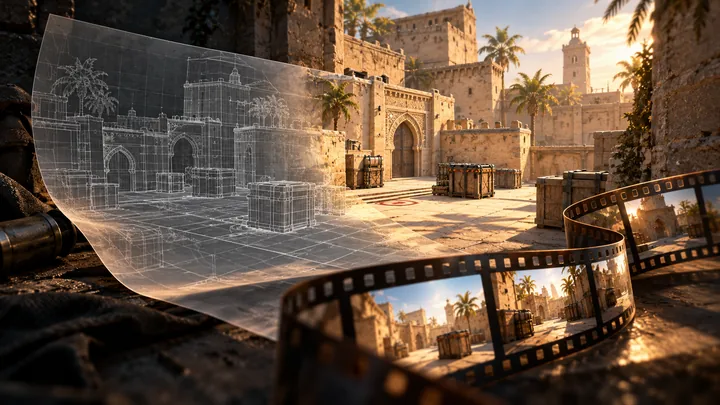
A .dem file is not a video. Learn why CS2 replays need to be played and captured, then use CSTV to choose clips, record them, and export an MP4.
Read guide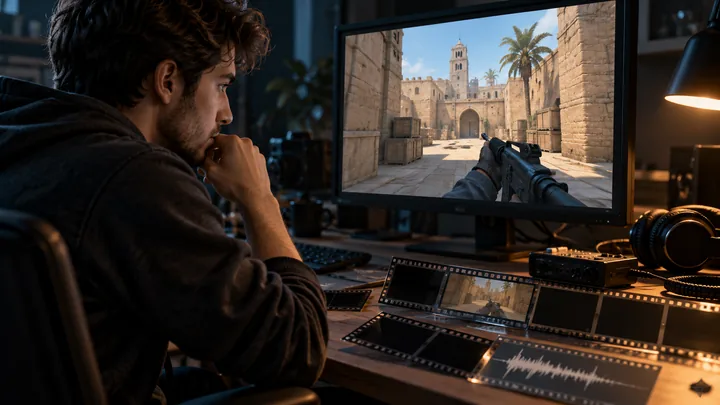
Troubleshoot CS2 demo capture by checking the file, game compatibility, capture environment, output folder, and voice data before retrying a failed task.
Read guide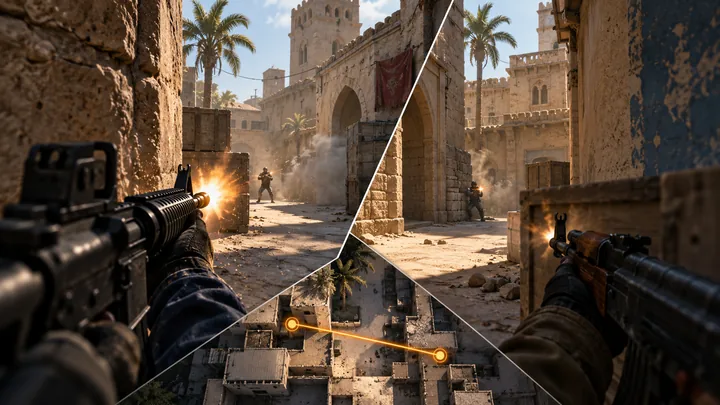
Compare both sides of a CS2 fight, review crosshair placement and timing, and organize weapon clips into focused montages with CSTV.
Read guide
Make CS2 highlight clips without recording during the match. Import a demo into CSTV, choose your kills and clutches, and export a video on your Windows PC.
Read guide